
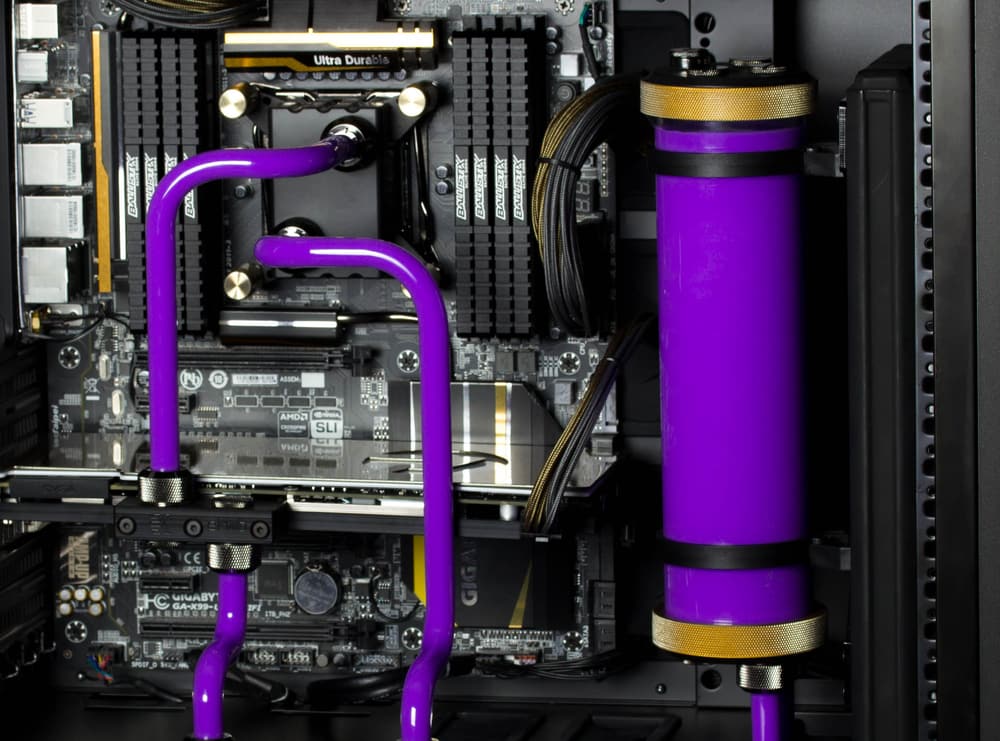
Why Your Coolant Is Losing Its Color
Updated June 2, 2026Coolant color loss is most often caused by pH imbalance (ideal range 7-9 for PrimoChill coolants). Flush your system with the PrimoChill Cleaning Prep Kit and refill with fresh coolant to restore performance.
If the dye in your PC water-cooling coolant is fading or has completely disappeared, pH imbalance is the most common cause.
Understanding pH in cooling systems: The pH scale measures acidity and alkalinity (0-14). PrimoChill coolants perform best in the range of 7 to 9 (neutral to slightly alkaline). When pH shifts outside this range, the chemical bonds in the dye break down, causing color to fade or disappear.
What causes pH imbalance:
- Metallic reactions: Copper, aluminum, nickel, and brass components release ions that alter pH over time
- Biological contamination: Bacteria and algae produce byproducts that shift pH
- Degraded additives: Anti-corrosion agents and biocides break down with use
- Mixing coolants: Combining different coolant formulas can cause unpredictable chemical reactions
Warning signs: Beyond color loss, watch for cloudy coolant, corrosion on metal components, sludge buildup, or reduced cooling performance.
How to fix it:
- Test your coolant's pH using pH test strips or a digital meter
- If outside the 7-9 range, flush the system using the PrimoChill Water Cooling Cleaning Prep Kit
- Rinse thoroughly with distilled water
- Refill with fresh PrimoChill coolant
- Add biocides and corrosion inhibitors to extend coolant life
Prevention tip: Flush your system every 6-12 months and avoid mixing different coolant brands or formulas.