
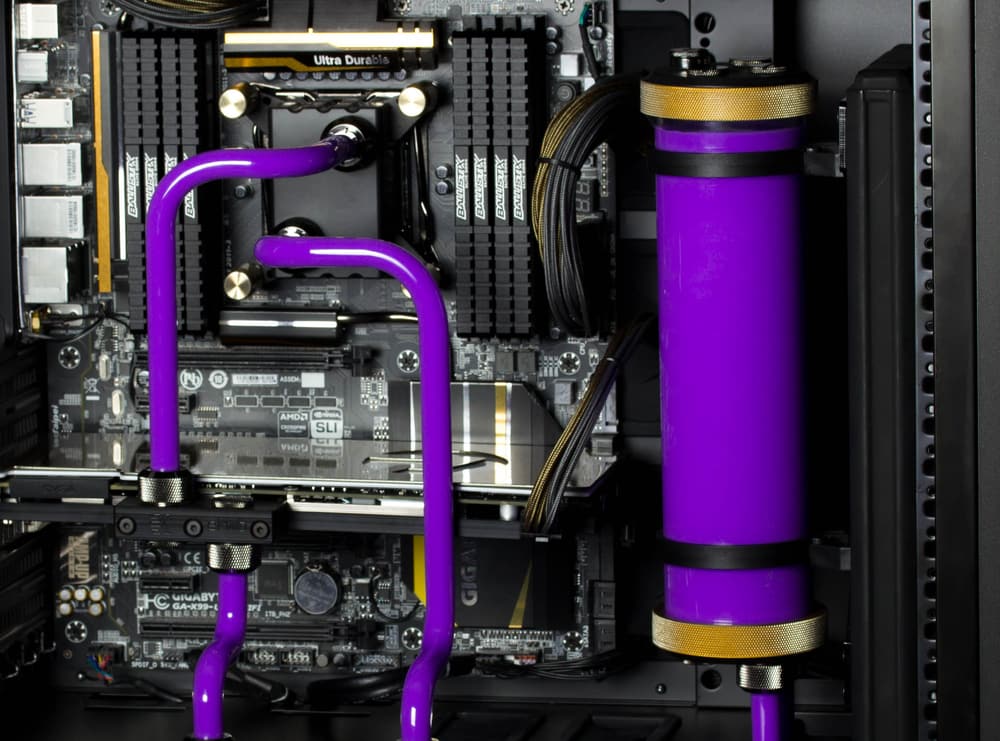
CPU Temperatures Higher Than Expected
Updated August 17, 2026When a CPU runs hotter than expected on a water loop, the block is rarely the limiting part. Mount pressure and thermal paste, total radiator capacity, pump flow, trapped air and the power draw of modern high-core CPUs account for nearly every case.
If your CPU is running hotter than you expected on a custom loop, it is worth knowing that the block itself is almost never the bottleneck. Once you are on a quality full-coverage CPU block, the differences between blocks are measured in a couple of degrees. Differences of ten or twenty degrees come from somewhere else in the system.
Work through these in order — they are listed roughly by how often they turn out to be the cause.
Mount pressure and thermal paste: This is the most common cause by a wide margin. The block needs even, firm contact across the CPU heatspreader. Tighten mounting screws gradually in a diagonal pattern, a little at a time, rather than fully tightening one corner first. Thermal paste should be a thin, even application — a pea-sized amount in the centre is enough for most CPUs, and more paste does not mean better contact. If temperatures were fine and then degraded over months, a remount with fresh paste is the first thing to try.
Total radiator capacity: Radiator surface area sets the ceiling on how much heat your loop can shed, and no block can move heat the radiators cannot release. A modern high-core CPU under sustained all-core load can put out 250 watts or more, and a GPU in the same loop adds several hundred more. If you are cooling a high-end CPU and GPU on a single radiator, adding radiator capacity will do far more than changing blocks.
Pump speed and flow: Flow needs to be adequate, but more is not automatically better. Verify the pump is actually running and that flow is reaching every part of the loop. A pump running very low, a partially blocked fitting, or a restrictive loop layout can all reduce flow enough to cost you temperatures.
Trapped air: Air pockets in a block or radiator dramatically reduce heat transfer in exactly the place you need it. If the loop was filled recently, or you hear gurgling, bleed the system thoroughly before drawing any conclusions about cooling performance.
Fans and airflow: Radiator fans need a sensible fan curve and an unobstructed path. Check that fans are spinning up under load rather than sitting at a fixed low speed, that they are oriented correctly, and that radiator fins are not clogged with dust. Dust in the fins is easy to miss and costs real performance.
Ambient temperature: Water cooling can only ever bring a component down towards the temperature of the air in the room. A warm room, or a case pulling in air already heated by other components, raises every temperature in the system.
What is normal on modern CPUs: High-core-count processors are designed to boost until they reach a power or thermal limit, which means brief spikes into the eighties and nineties under heavy load are expected behaviour rather than a fault. Sustained all-core workloads on these chips produce a great deal of heat in a very small area. If your temperatures are acceptable in normal use and only spike during stress tests or heavy rendering, the loop is likely working correctly.
If you have worked through all of the above and temperatures are still not where you expect, get in touch with details of your full loop — blocks, radiators, pump, and what the temperatures are at idle and under load — and we can help you narrow it down.